Should You Develop A Mobile App

While on our way back from MozCon in Seattle (awesome event!) I found myself sitting next to some twenty-something newly hired employees from a national outdoor brand. They were on their way to a training event where one of the topics was to discuss the new mobile app in development. As I glanced over to the slides (seriously, if you’re developing something that is confidential maybe don’t peruse it on the plane without a screen blocker) I noticed that the reasonings for building the app were simply based on the fact that “app usage continues to grow”. While this is true it is not a reason to jump into the app game.

One of the biggest reasons that a company should build an app is to make information or actions even more accessible than they already are. Ally’s mobile banking apps make it easy to deposit checks. Amazon makes it easy to purchase items on the fly. ESPN makes it easy for me to update my fantasy baseball roster. These more single-minded actions are great ways to make interacting with your customers easier. As content starts to live centrally in databases as opposed to on websites your information can be sent where ever and whenever for easier direct access to the consumer. A mobile app should be just one of the several vehicles you use to distribute your content so use it wisely!

Back to the outdoor brand. They make outdoor products and this app was more about the experiencing of those products, for instance maybe displaying the weather (NOTE: This is just an example and not specifically in their app). One the one hand this could be great brand recognition, maybe you try and upsell a raincoat when the weather is bad, but I cannot imagine those one-off purchases can pay off the investment. My advice is stick to what you know and don’t try and serve up content you wouldn’t normally serve on your website, make current actions or information easier for users to engage with, and make sure there is positive upside (brand or financial). Don’t just create an app because “it’s trendy” instead create one because it meets your goal objectives. Consider this… I wonder how much easier and cheaper it might be to simply purchase targeted mobile ads on weather sites when it’s raining?
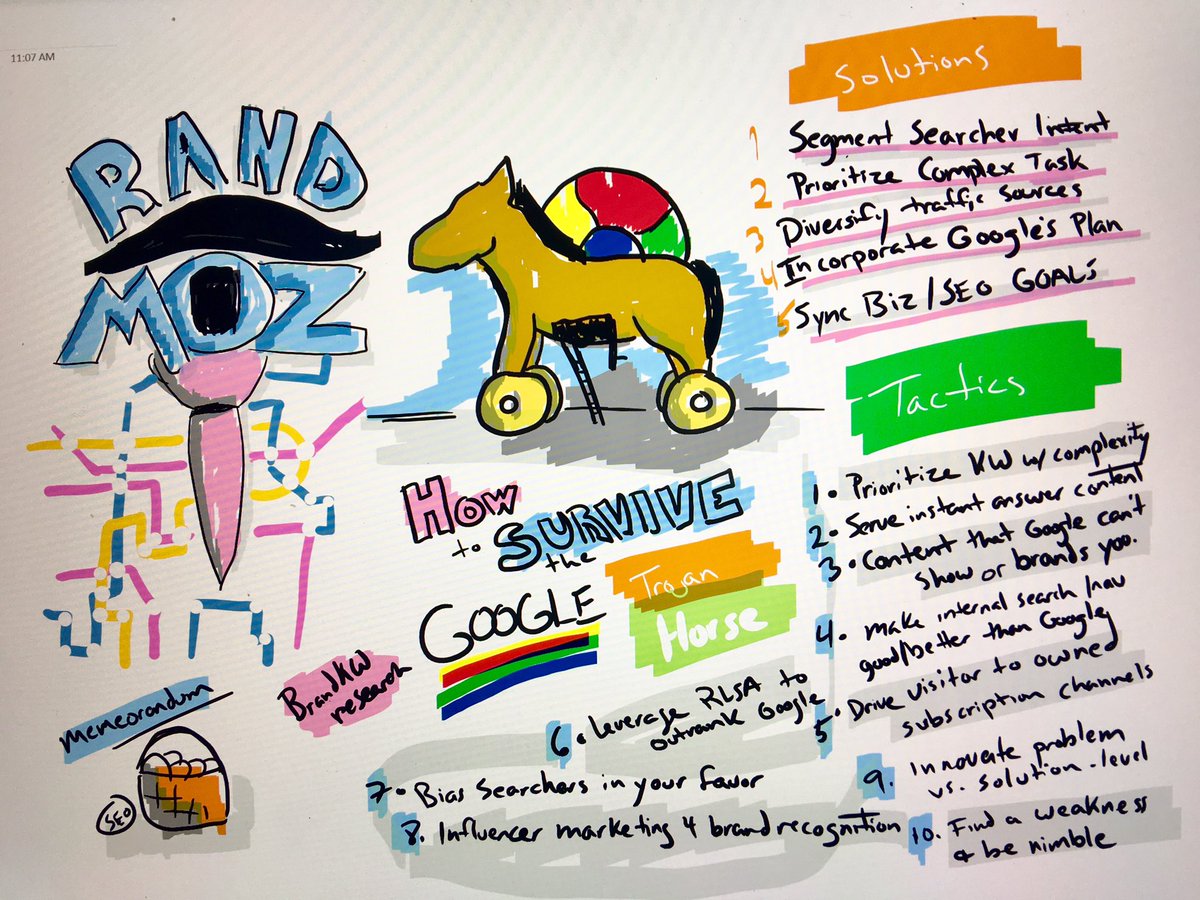
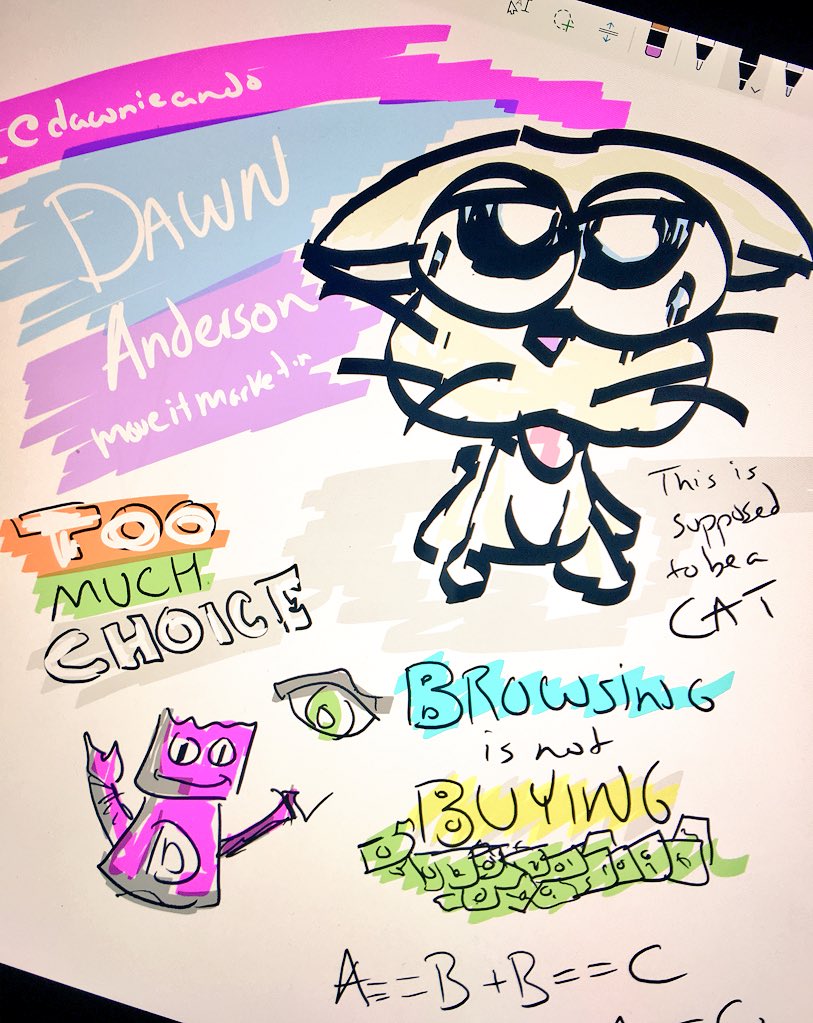
Our MozCon Drawings

We got a little creative while taking in all of the amazing presentations from MozCon!  (Note: Sadly, we only have half of Day 2 as Brandon’s Surface battery died halfway through the day.)

Check’em out below:

Google’s Trojan Horse : Rand Fishkin

Too Much Choice : Dawn Anderson

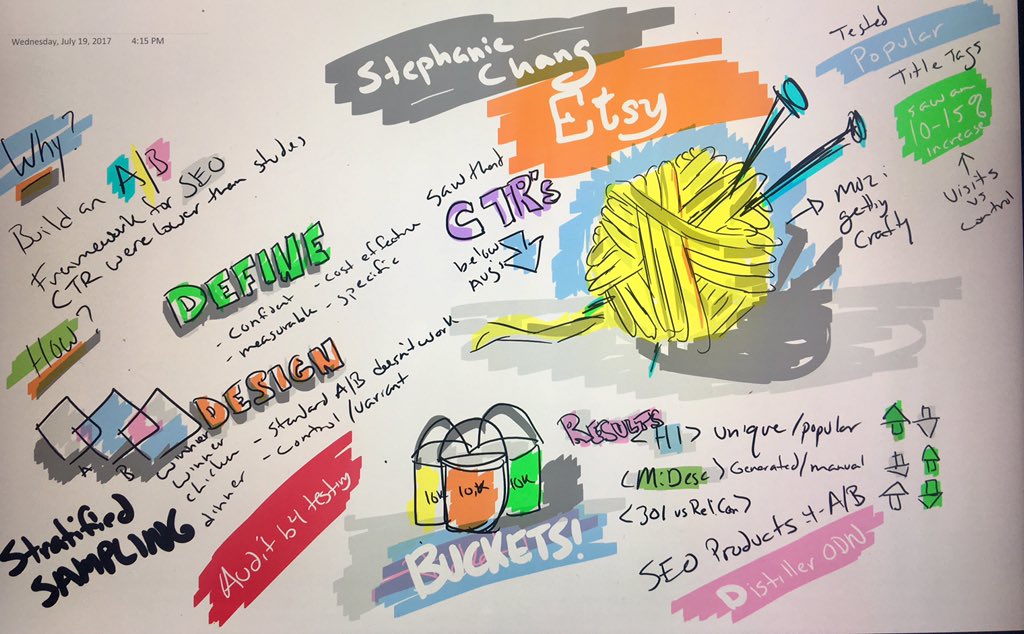
AB SEO Testing : Stephanie Chang

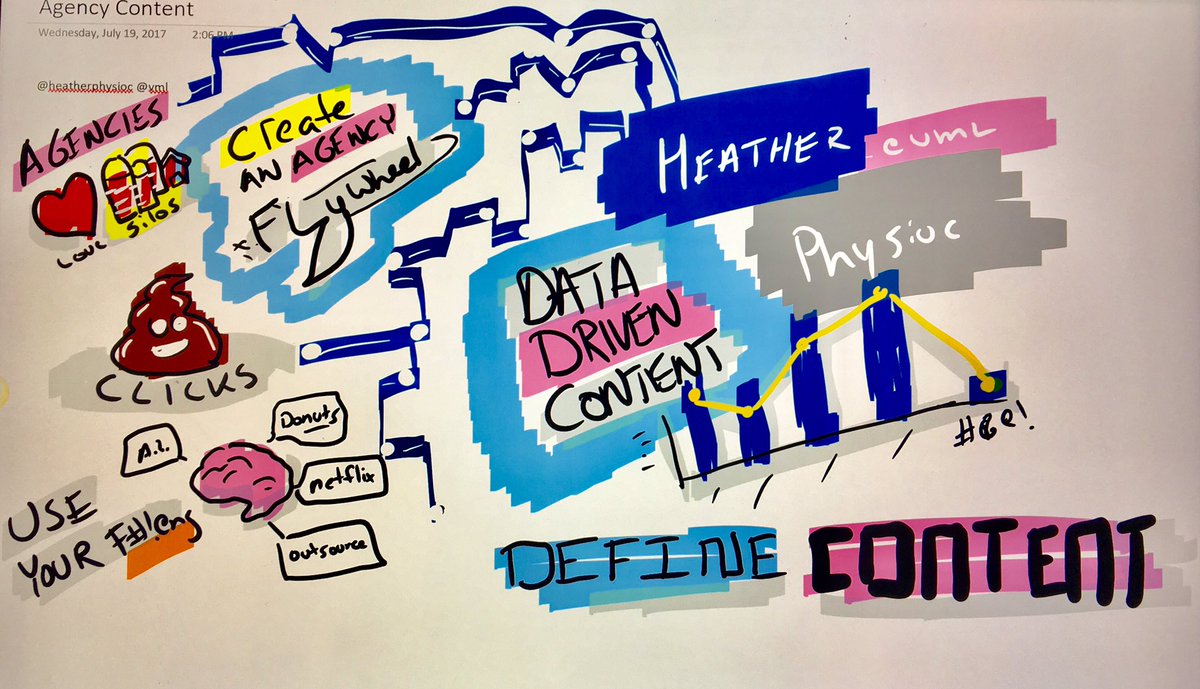
Data-driven Content : Heather Physioc

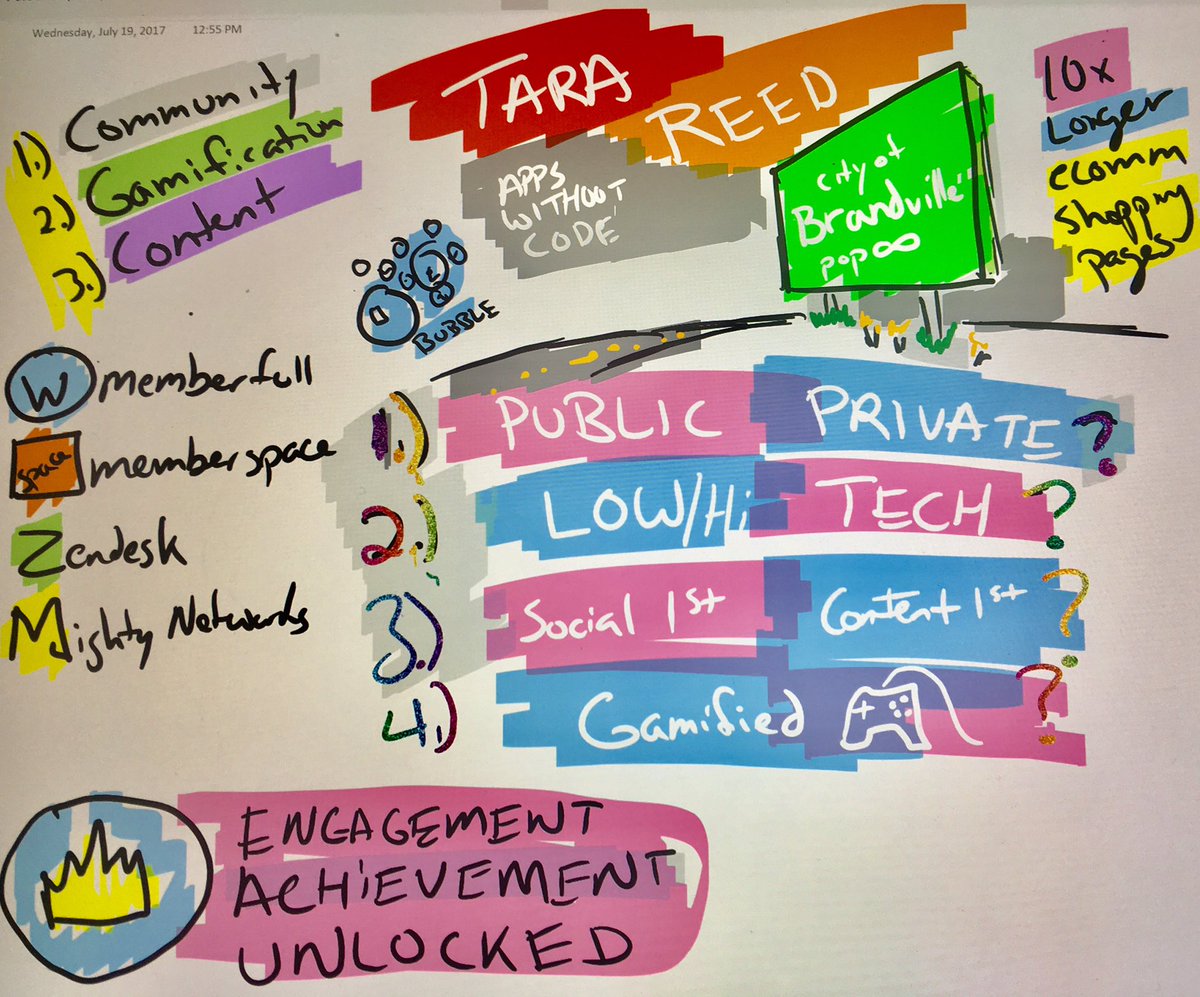
Building Communities : Tara Reed

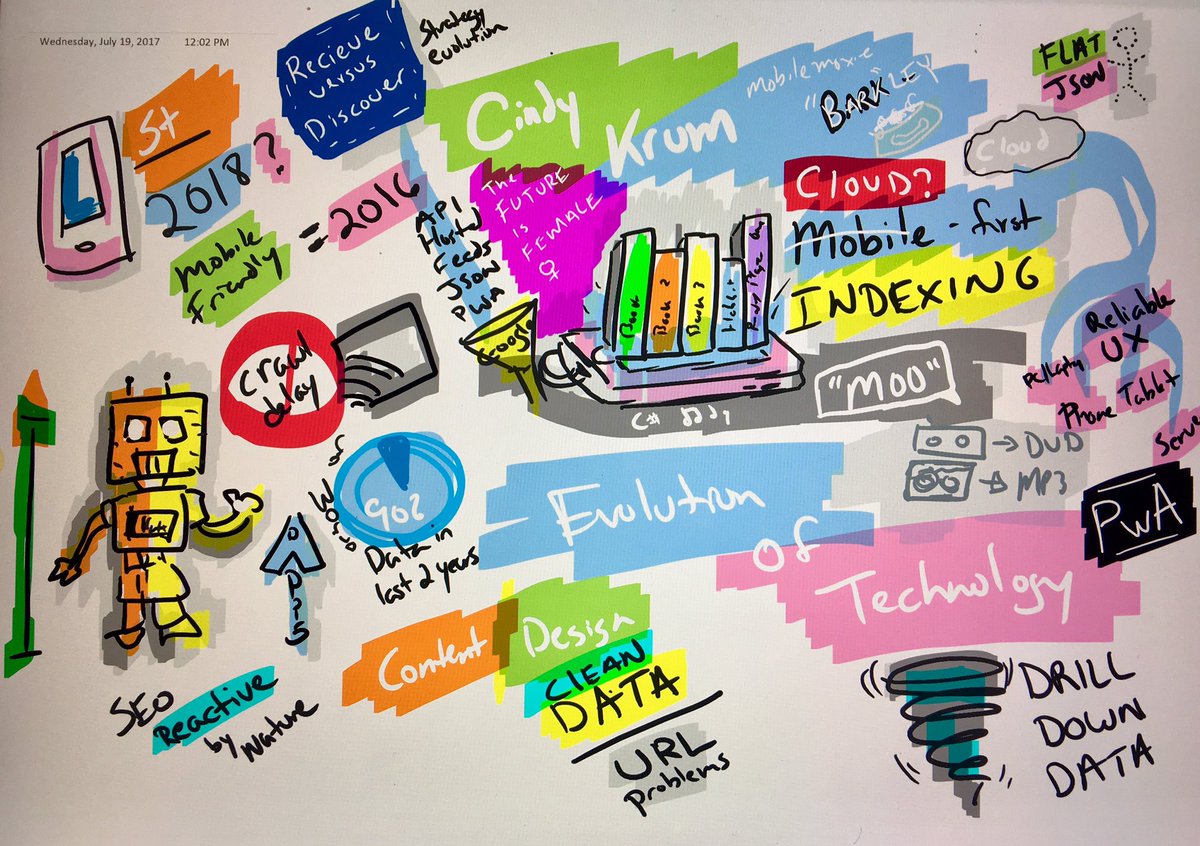
Cloud-First : Cindy Krum

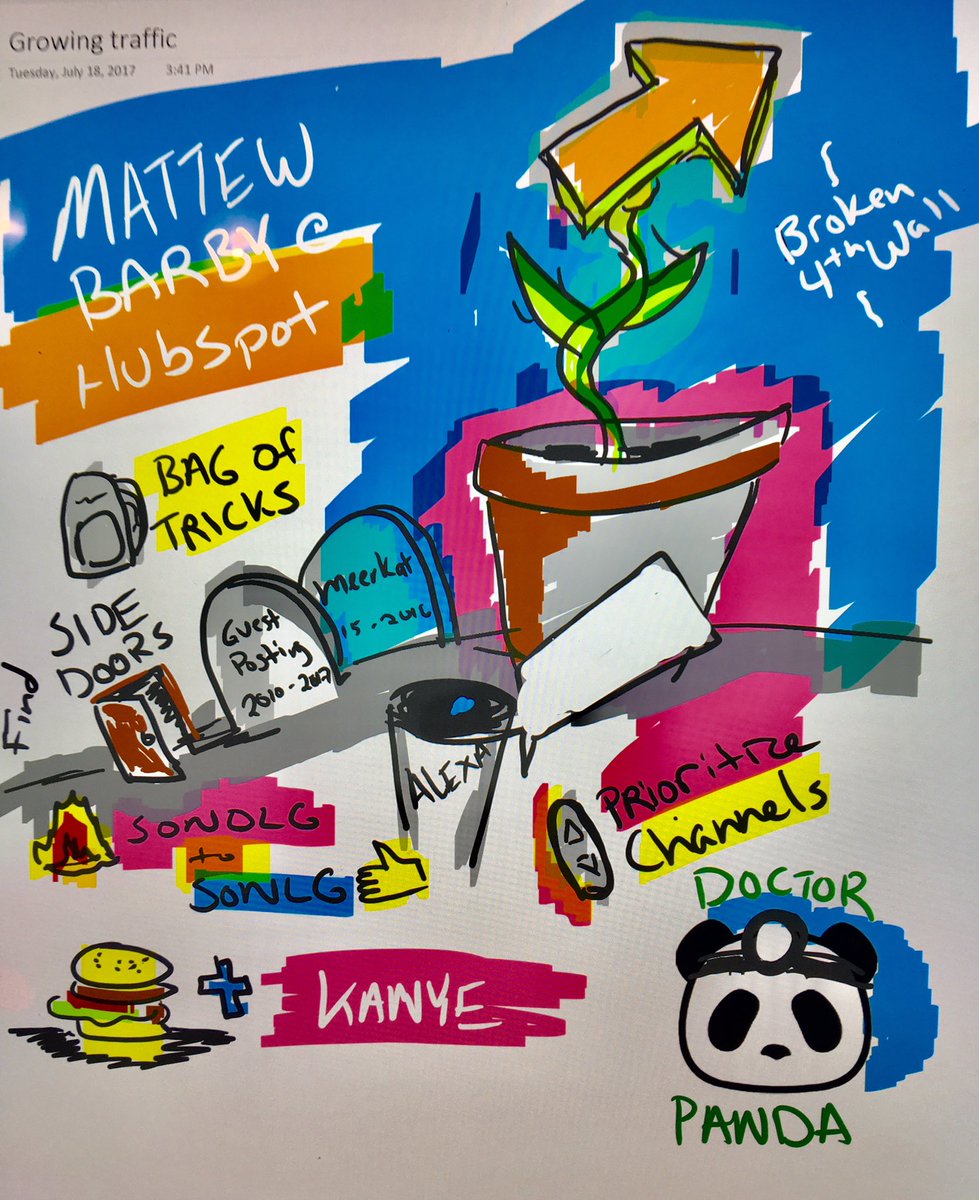
Growing Business Goals : Matt Barby

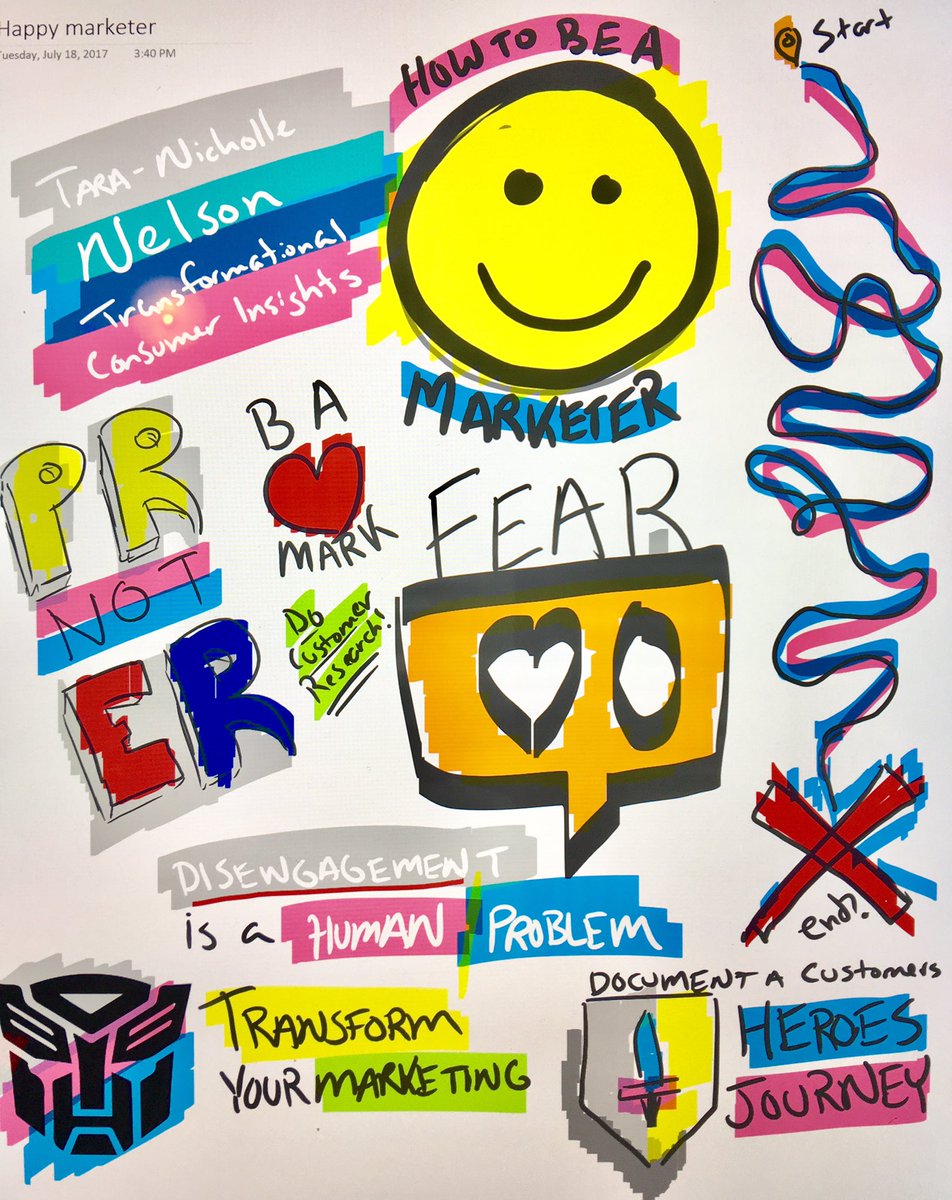
Happier Marketer : Tara Nicholle

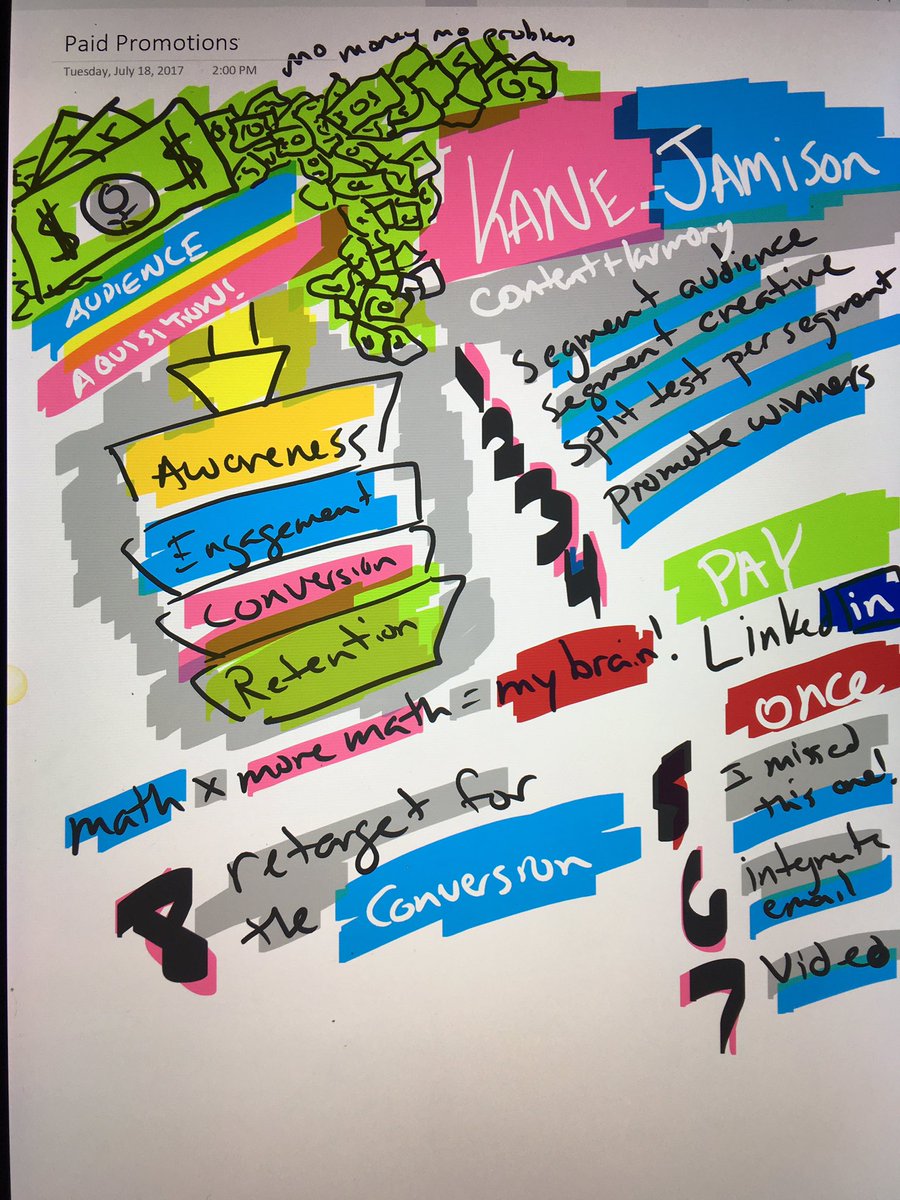
Paid Promotion : Kane Jamison

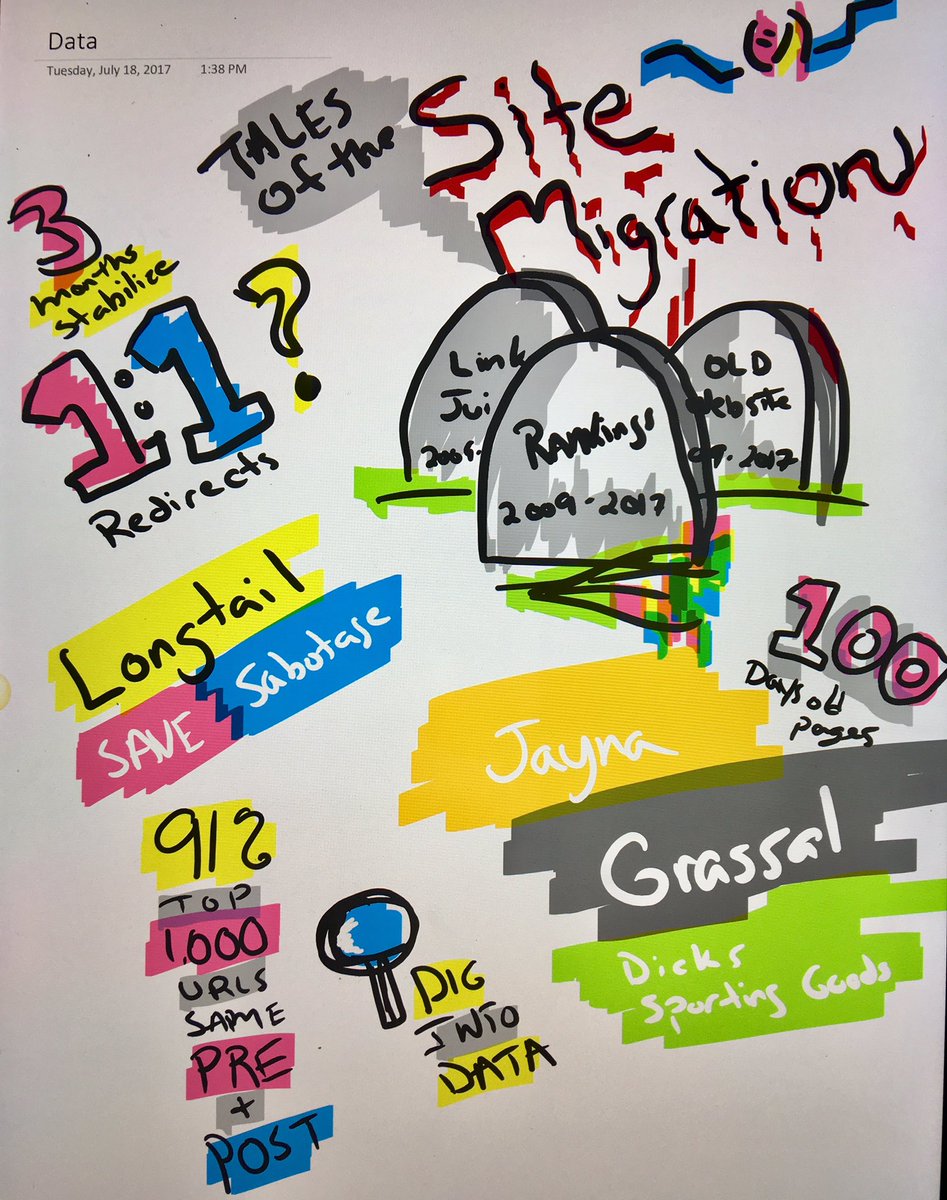
Site Migrations : Jayna Grassel

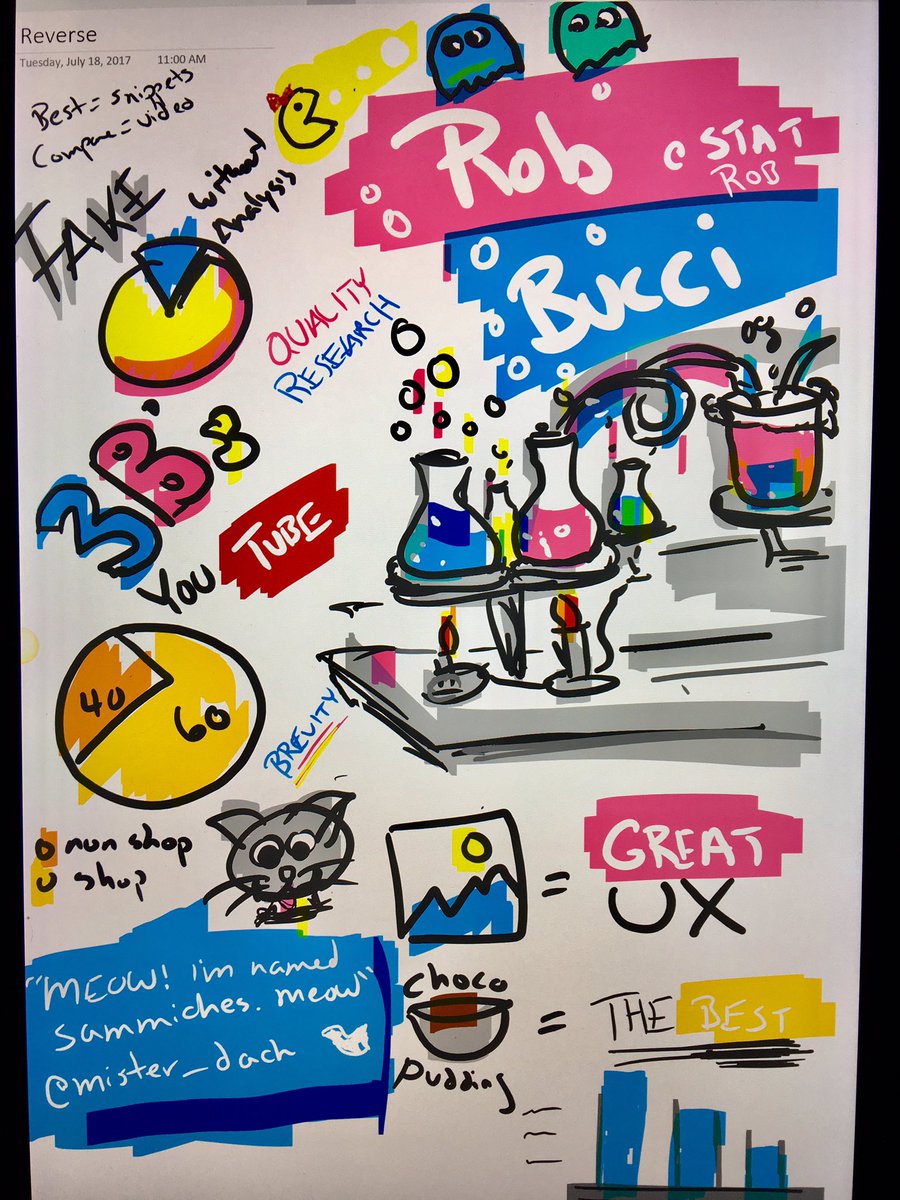
Reverse Engineering Google : Rob Bucci

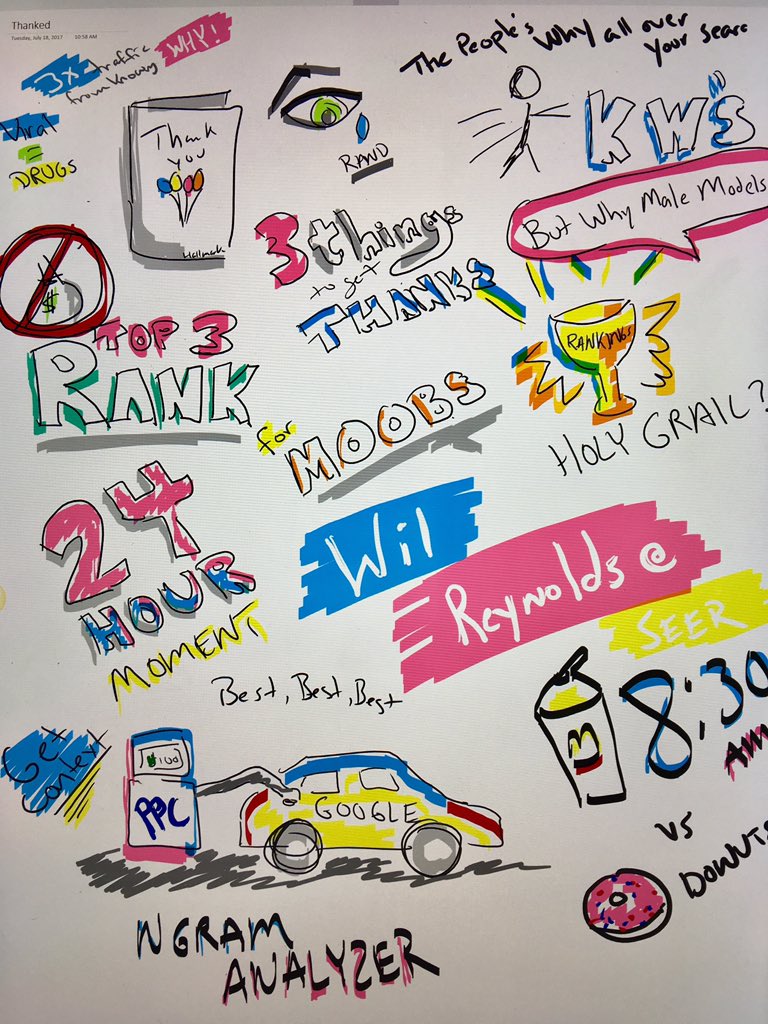
Thanks Not Ranks : Wil Reynolds

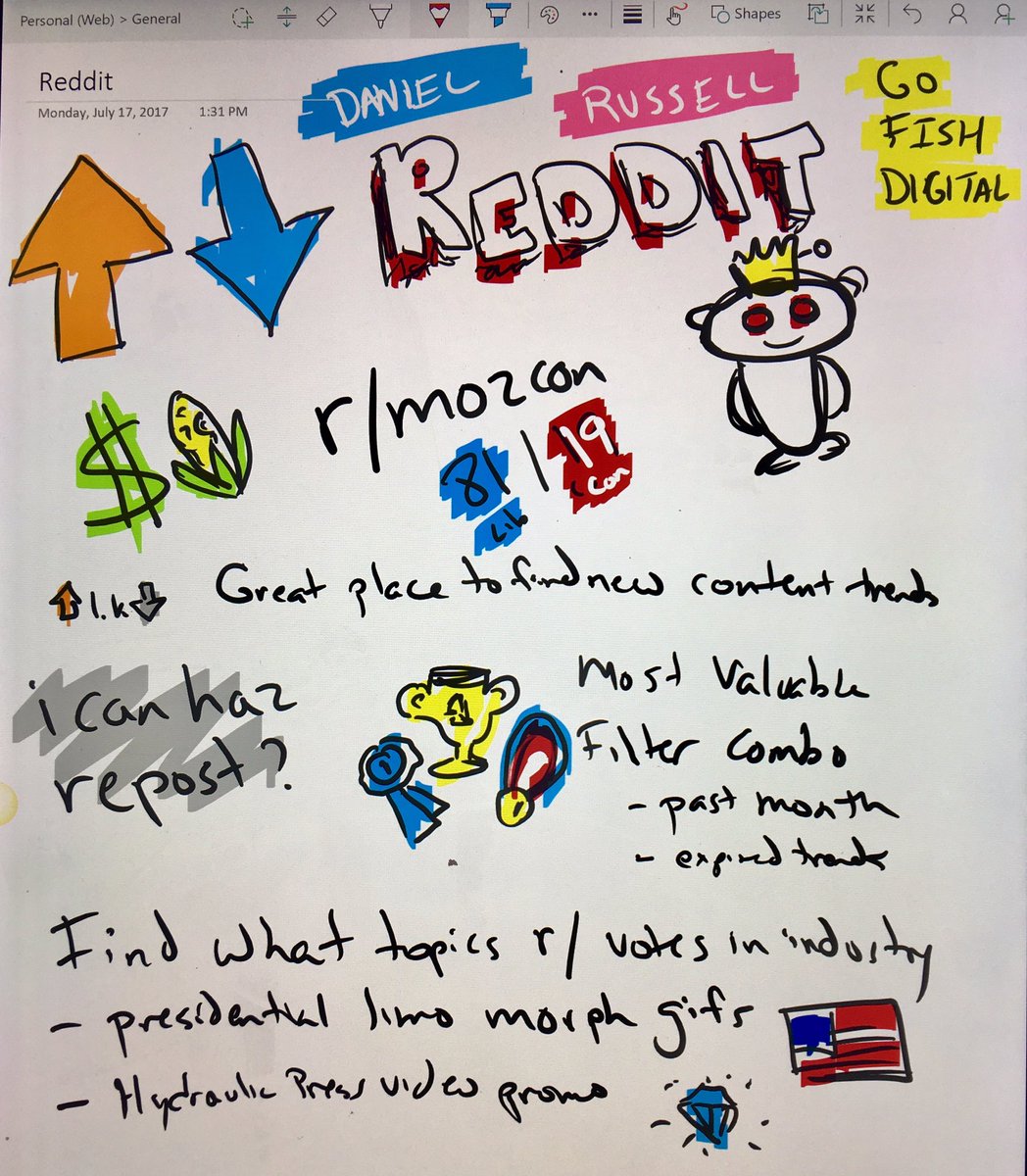
Reddit Upvoting : Daniel Russell

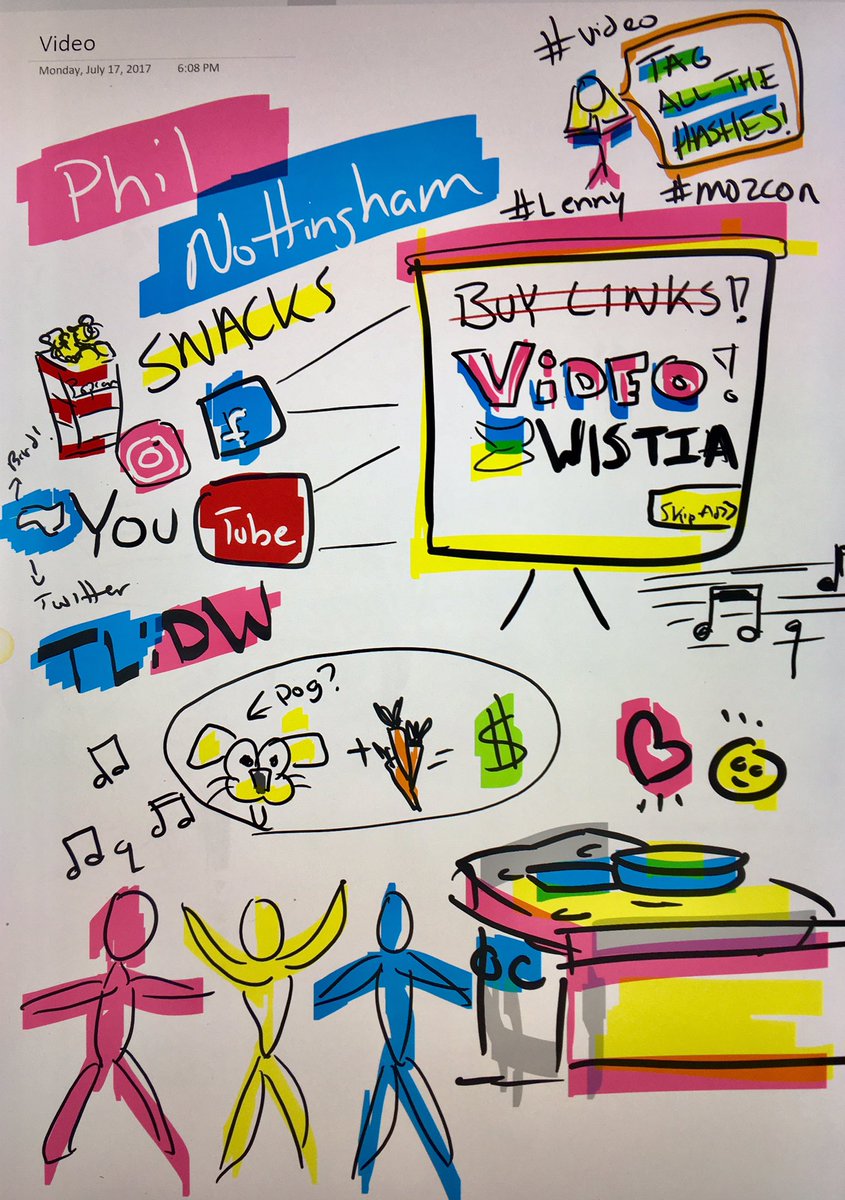
Video : Phil Nottingham

Video advertising Phil Nottingham mozcon

Chat Bots : Purna Virji

Chat bots Purna virji mozcon

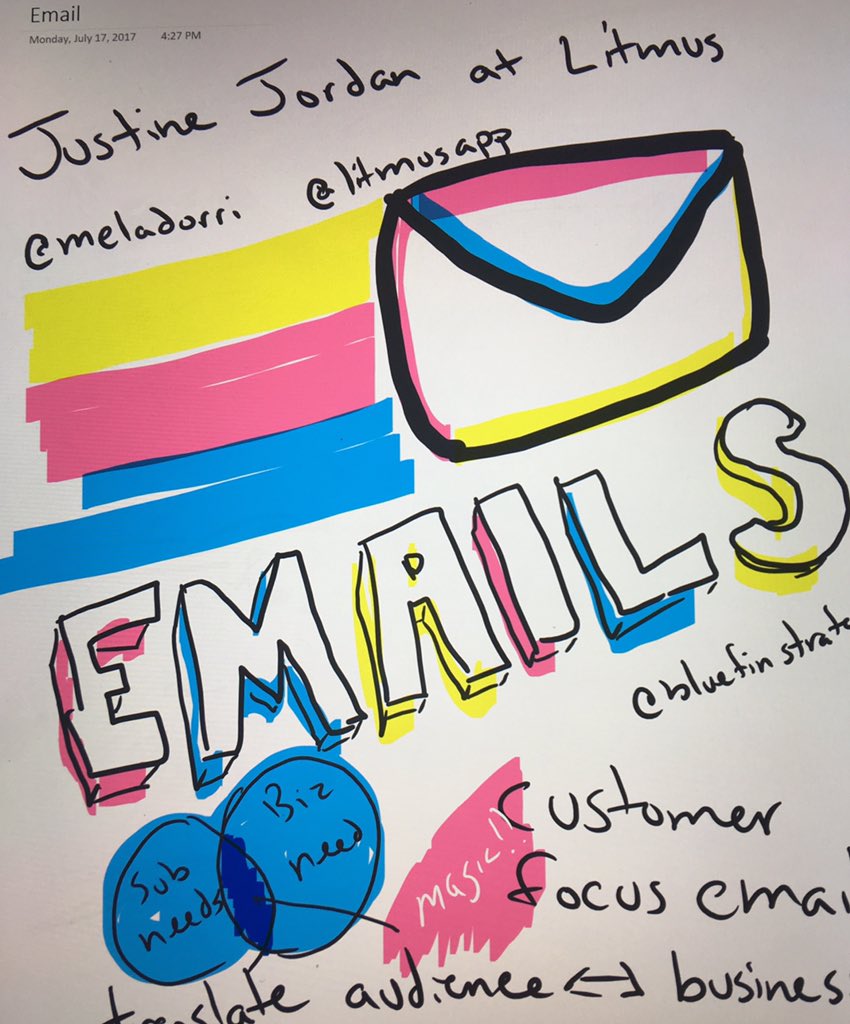
Email Marketing : Justine Jordan

Email marketing Justine Jordan mozcon

Content Marketing : Ian Lurie

Content marketing Ian Lurie MozCon

7 Data Driven Design Tools to Get Your Site Converting

Data-Driven design is the simple idea that the design of your website (product, etc) can benefit from being informed by both quantitative (ex: A/B testing) and qualitative (ex: User feedback) data.

That of course is the simple explanation.  As most of us know, simple ideas typically are followed by complex questions when trying to implement them into existing organizations.

Oli Gardner’s speech at MozCon 2017 (happening now, link to come!) and a 2013 article by Smashing Magazine titled “Data-Driven Design in the Real World” does a great job of answering the majority of those questions and is very much worth your time.

Knowing the difference between Quantitative and Qualitative Data is the first thing.  A great definition by Smashing Magazine is:

  • Quantitative data
    Numerical data that shows the who, what, when and where.
  • Qualitative data
    Non-numerical data that demonstrates the why or how.

So, great, where do I get this data from then?  I’m glad you asked.

Quantitative Data-Driven Design Tools

This list assumes you’re already using an Analytics platform such as Adobe SiteCatalyst, Google Analytics, etc.  If you’re not, then you should definitely start there.

The below are a list data-drive design toolsets designed to gather quantitative data for your design strategies.  The vast majority of these are not surprisingly, Website Testing platforms (A/B, Multivariate) and provide real data on what design updates perform better on a numerical basis.

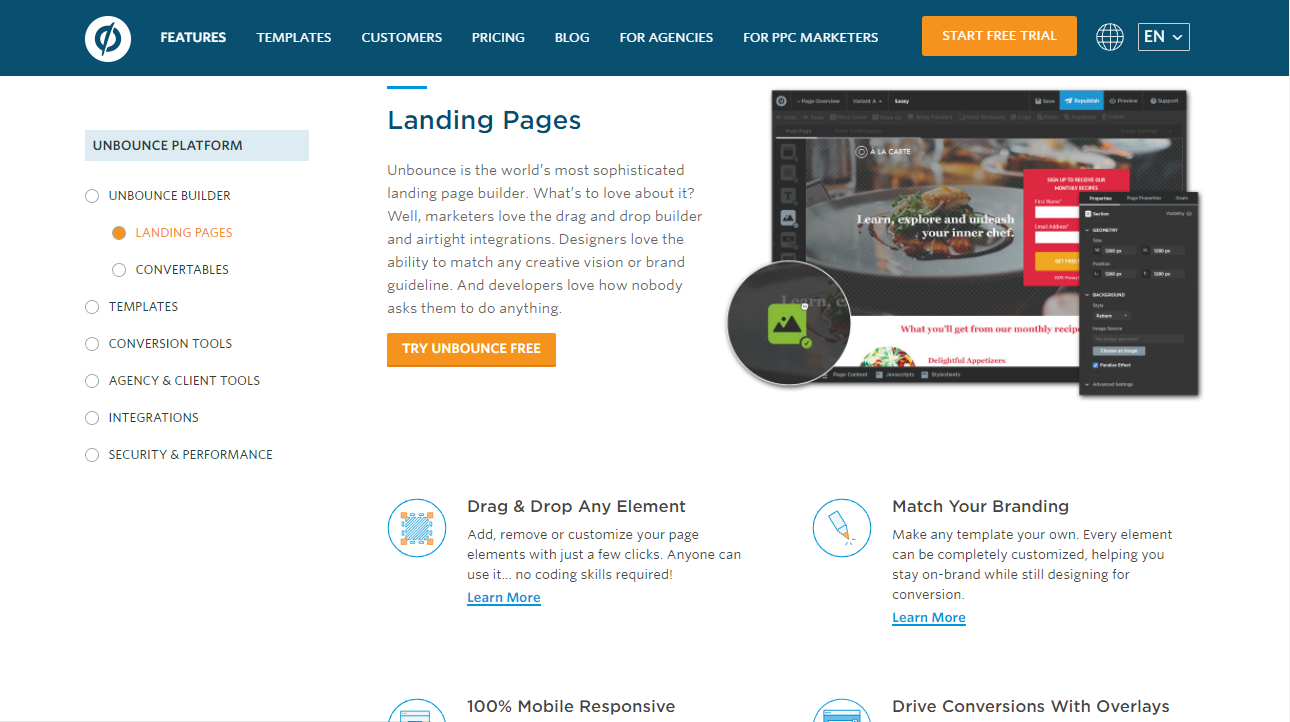
Unbounce

Unbounce Landing Page Testing

With a focus on split testing testing campaign landing pages, Unbounce provides incredibly useful data that can help improve the design of your campaign landing pages.  Better yet, it easily integrates in to most paid advertising workflows by giving you a singular landing page URL to use for advertising platforms like Google AdWords and others.

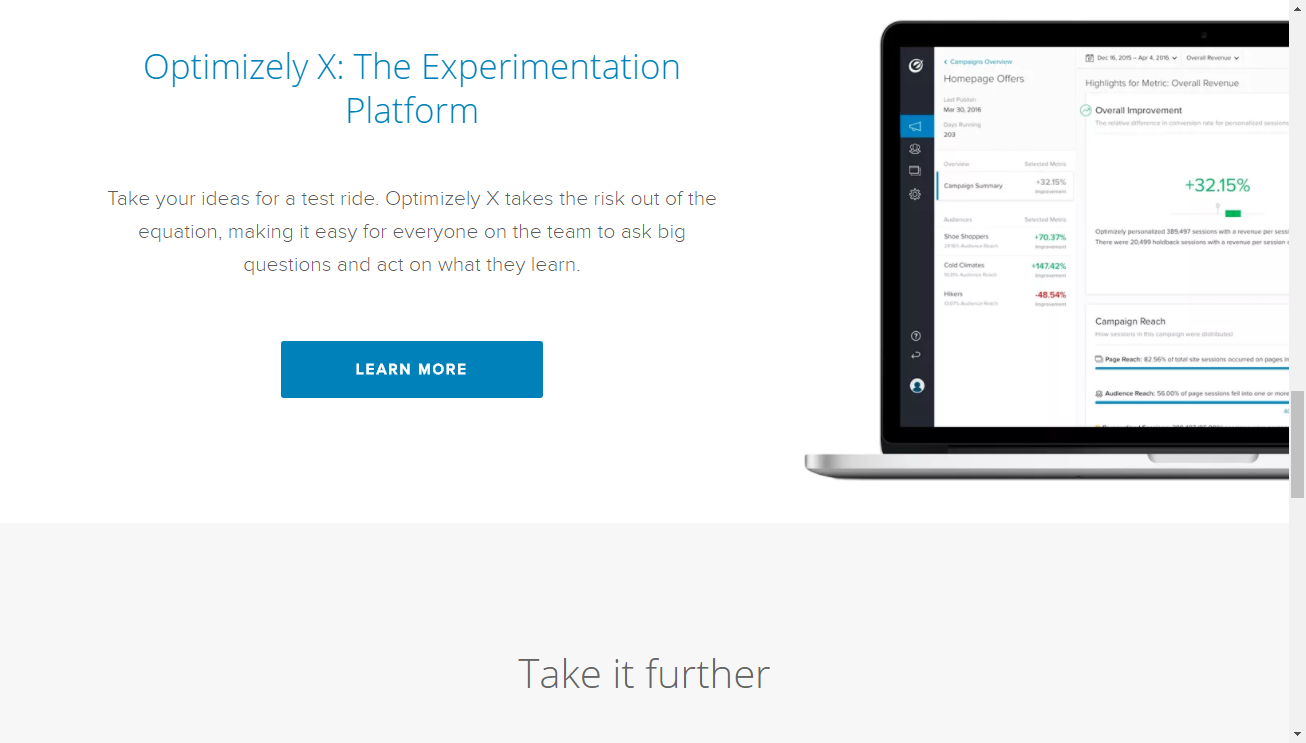
Optimizely

Optimizely A/B Testing

While Optimizely used to be a very similar product to other website A/B, multivariate testing platforms like Visual Website Optimizer, recently Optimizely has begun to broaden their offering into mobile app, engagement and more.  However, Optimizely at it’s core is built as a design optimization tool and does that job well but can be a bit daunting to a newcomers given the complexity of it’s toolset.

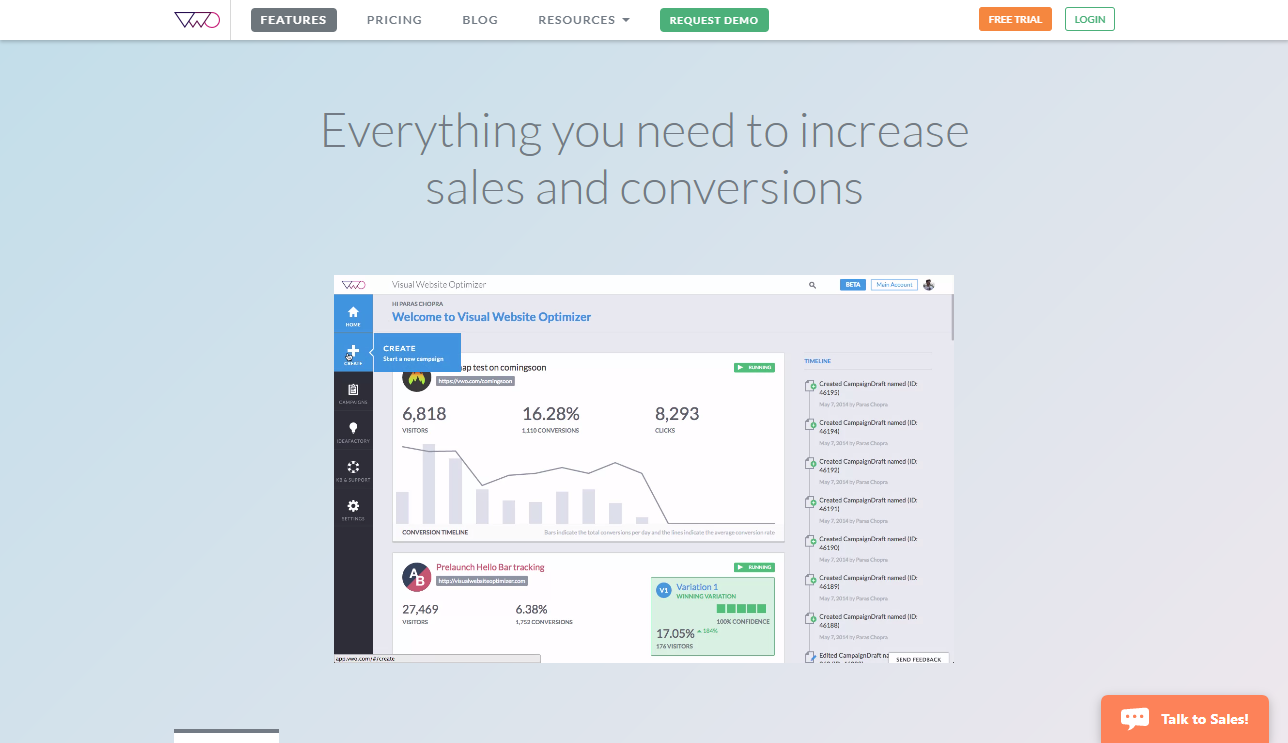
Visual Website Optimizer

Visual Website Optimizer

Visual Website Optimizer and Optimizely offer a lot of similar features but where VWO shines is in it’s ease-of-use compared to Optimizely.  While it may lack a few of the features and deeper complexity that Optimizely has begun to add, VWO keeps to what it does best which is user-friendly website optimization.

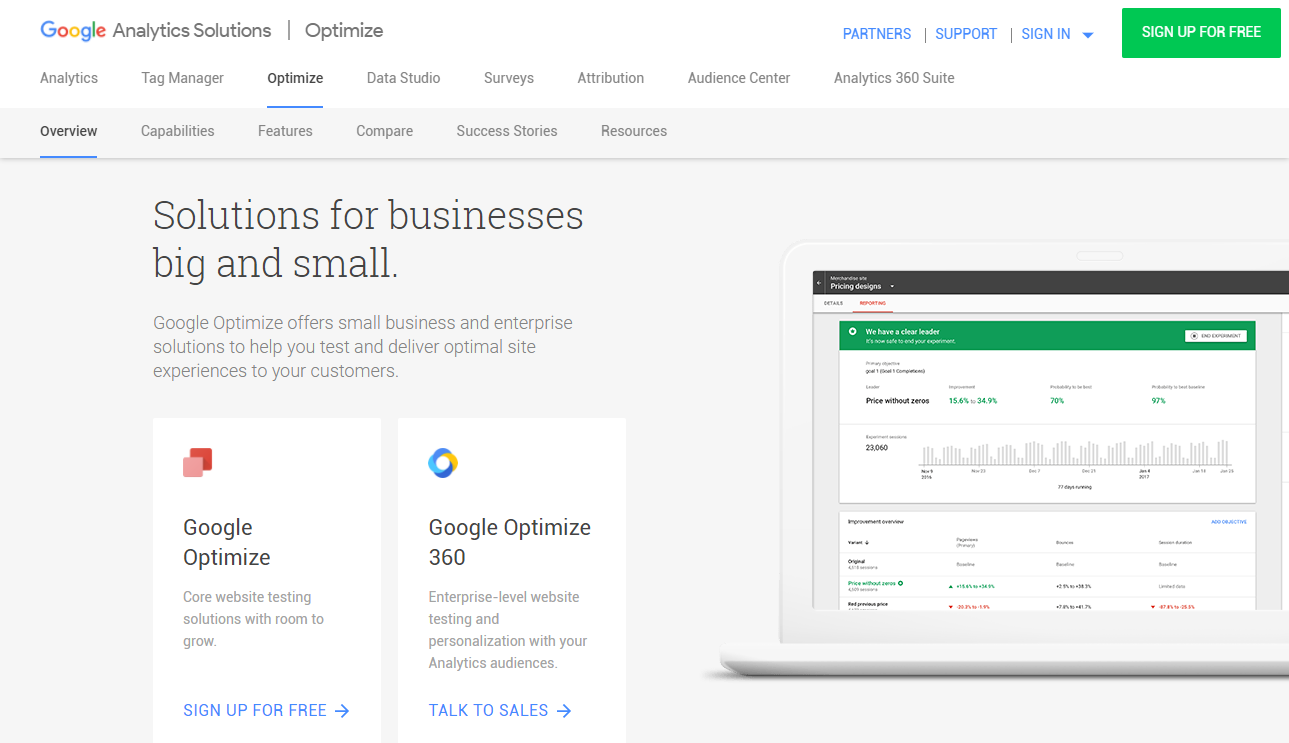
Google Optimize

Google Optimize A/B testing

Google Optimize is the latest iteration of Google’s Content Experiments and Website Optimizer products and by far it’s best showing.   While similar in features to VWO and Optimizely, where Google Optimize shines is its integration with Google Analytics and their focus on making their toolset incredibly user friendly.  For those with Analytics 360, Google also offers a similar Optimize 360 level of product.


Qualitative Data-Driven Design Tools

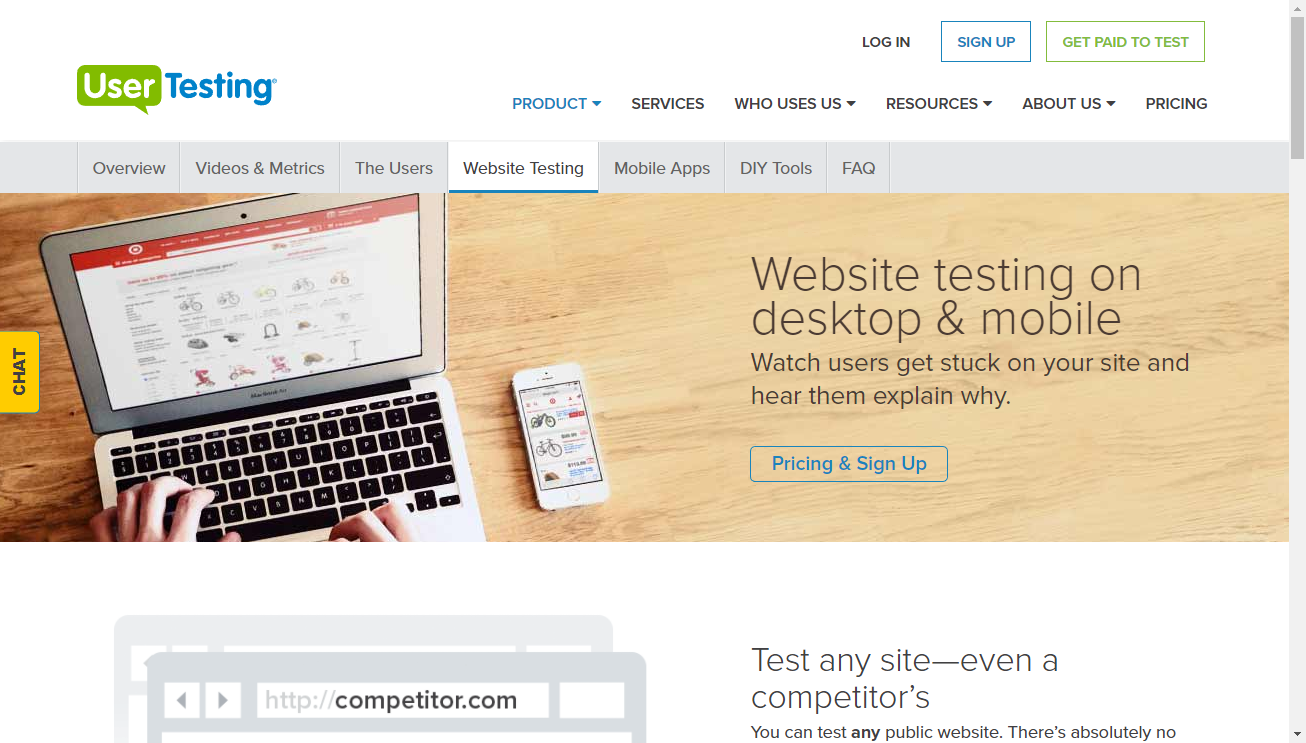
UserTesting

User Testing

A popular user testing platform, User Testing allows you to create simple or complex user tests with strict qualifying questions to ensure that those providing feedback closely match your desired buyer personas and demographics.  As well, User Testing has a very clear ranking system for testers to encourage them to given quality, relevant feedback to your tests.

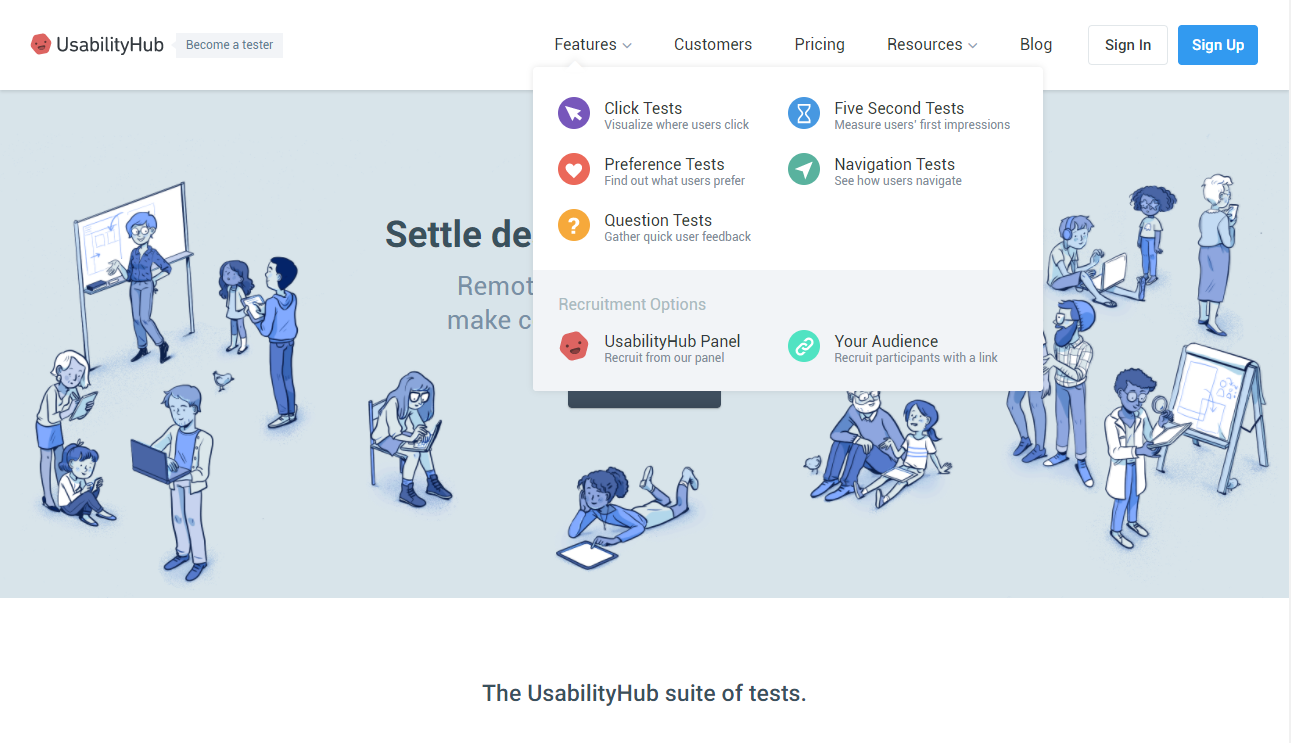
Usability Hub

Usability Hub Testing

Usability Hub straddles the divide between Qualitative and Quantatitive data given it’s product offerings and their individual focuses but is a powerful tool when your design decisions are more specific.  Offering user-testing that focuses on navigation, click tests and first impressions, it’s one of the more comprehensive Qualitative data-driven design toolsets.

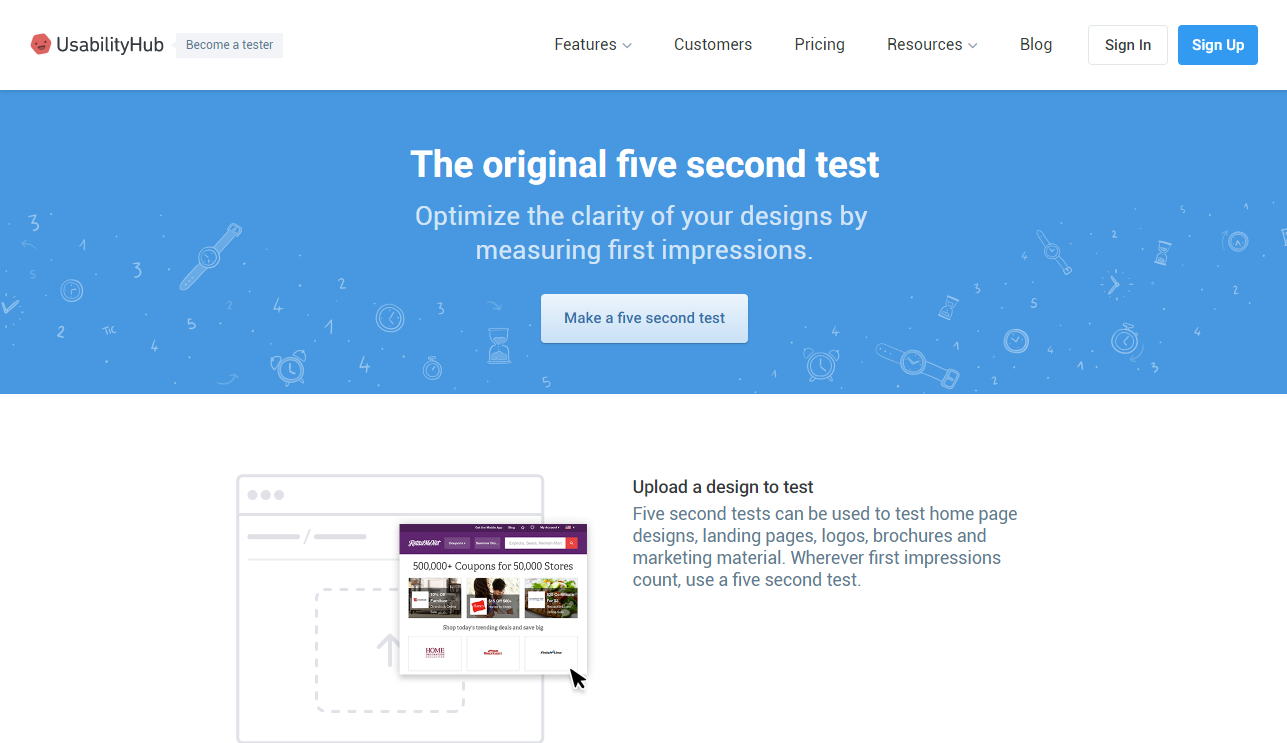
Five Second Test & Question Tests (Usability Hub)

5 Second Test 

While a recent addition to the Usability Hub suite, I felt the 5-second Test warranted a separate mention given it’s incredibly simple and powerful premise.  With a focus on simply recording a user’s first impression of a design, the 5-second Test has been a long favorite of UX and Usability professionals when trying to get quick, simple user feedback for a potential design.


Developing Audience Personas

I’m a fan of paddle boarding while my buddy can barely stand up on one. We are both the same age, males, similar household income & educations levels. If you were a travel site and showed a picture of paddle boarders you’d certainly peak my interest, but what about his? Understanding your audience is more important than ever but all too often the step of developing personas for your audience goes undone. Here a few quick things you can do without going too in-depth.

  • Write down a list of all the different types of customers who engage with you
  • Highlight the ones that drive the largest value to your business
  • Jot down the needs & wants of those audiences, not just of your company, but in life
  • Write a positioning sentence for each audience that you feel they’d be receptive to
  • Review the differences between them all

This short exercise can provide so much insight into how you ‘should’ be marketing to your audiences. The next step is to understand how to reach your audiences with the messaging you develop and you’ll be surprised at how this might differ across personas as well. Take the time to do some targeting and your strategy will thank you (and so will your CEO).